




AI Advertising Has Replaced Manual Campaigns (Q4 2025 Update)
There’s a moment every marketer remembers, the moment they realize the game…
views
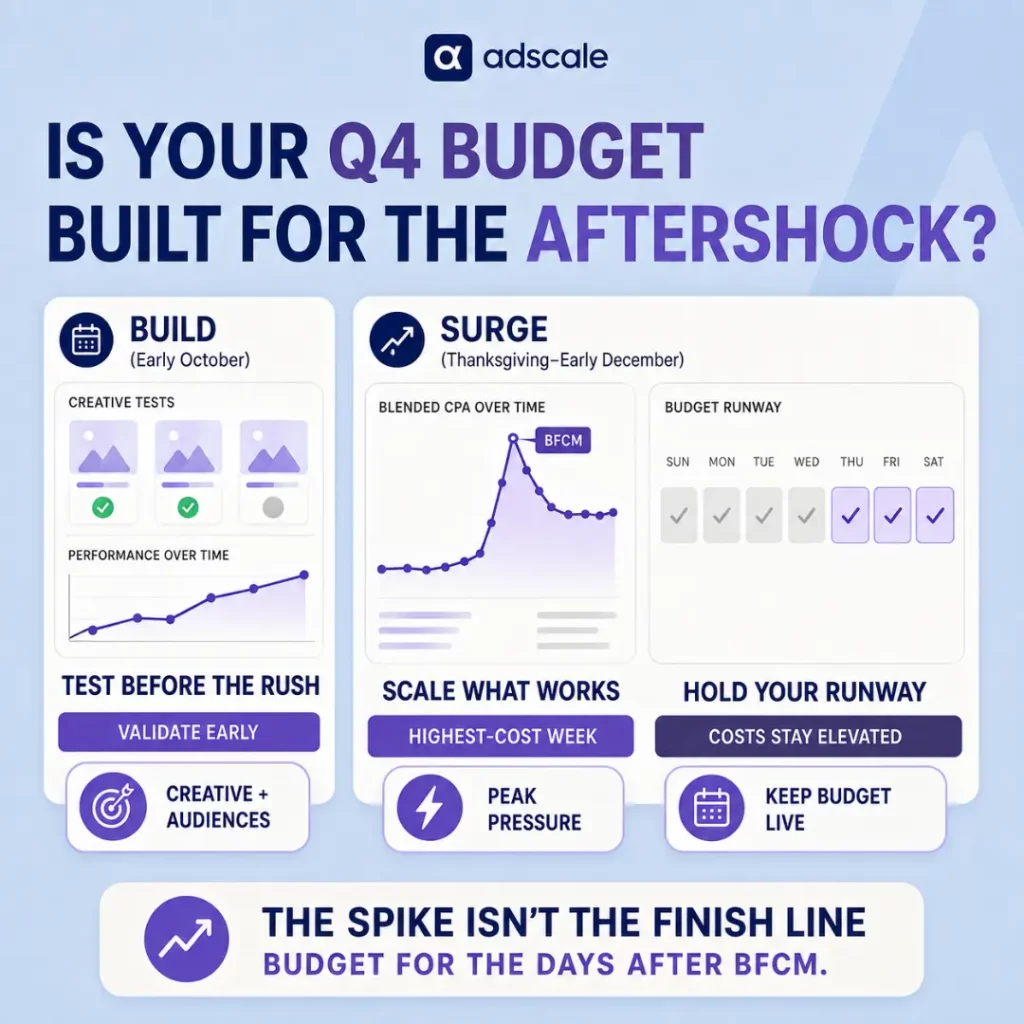
Most Q4 budgets get built the same way: pull last year’s total spend, add 20%, and hope. That approach misses the part of the…
There’s a moment every marketer remembers, the moment they realize the game…
AdScale is an AI powered advertising platform that helps eCommerce brands run…
Q4 eCommerce strategy isn’t just another quarter, it’s the main event for…

What AdScale’s 2025 data reveals about spending increases, rising ad costs and…

What AdScale’s customer revenue benchmarks reveal about your biggest buyers, and how…

A shopper asks an AI assistant to compare three products. Another clicks…

A practical guide to turning recent sales into a useful customer email,…

Compare advertising tools and AI store builders to find the right fit…

What Is an AI Campaign Builder? An AI campaign builder uses artificial…

Bigger desktop baskets and more mobile orders can coexist. What matters for…

Your shopper recognizes their dog. Your size guide should help them recognize…

Write the outfit first. Use the product details to prove the promise….
 See AdScale In Action
Select your ecommerce platform:

We sent you an email
Check your inbox for the installation instructions of AdScale for your WooCommerce Store
If it hasn’t, click here.
How to install the AdScale Plugin:
On your Woo store admin, go to
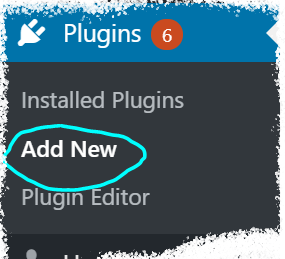
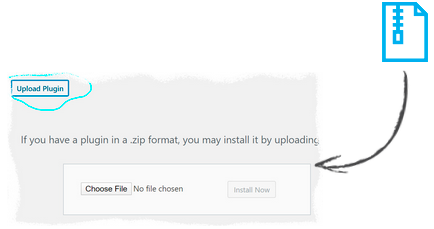
Plugins > Add New
Upload the Plugin file and
click on Install Now
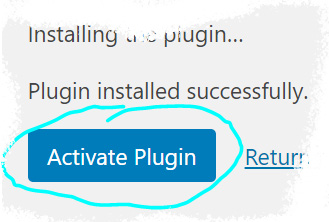
Click on Activate Plugin
We sent you an email
Check your inbox for the installation instructions of AdScale for your WooCommerce Store

If it haven’t, click here.
How to install the AdScale Plugin:
On your PretaShop admin, go to
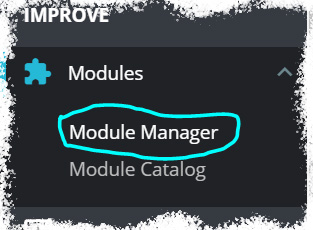
Modules > Module Manager > Upload Module
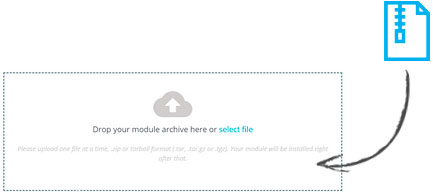
Upload the module file
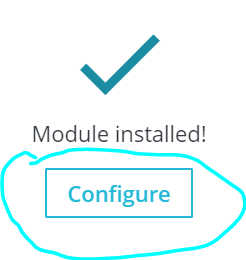
Click on Configure
We sent you an email
Check your inbox for the installation instructions of AdScale for your WooCommerce Store

We sent you an email
Check your inbox for the installation instructions of AdScale for your WooCommerce Store


If it haven't, click here.
How to install the AdScale Plugin on Magento 1.9
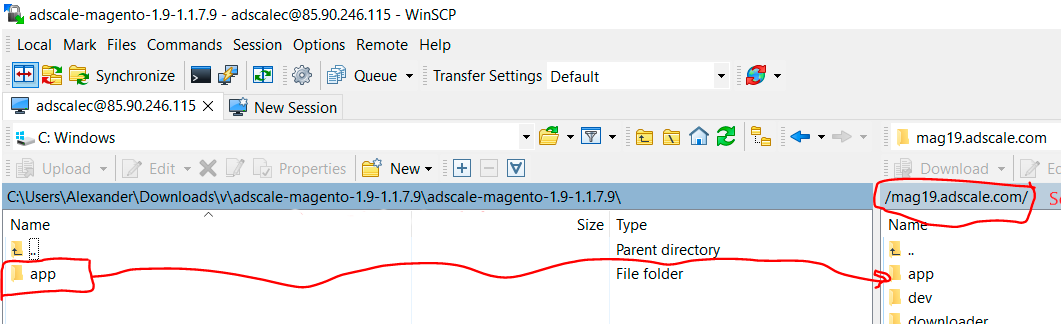
Extract the plugin file, and using your FTP tool Upload the folder to the Magento Directory.
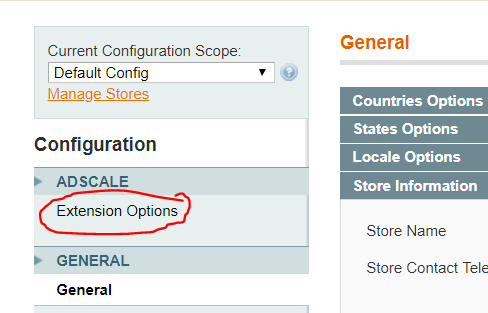
Go to Magento Admin Panel > System > Configuration
Under AdScale, click on Extension Options
Having troubles? Contact our support team
If it haven't, click here.
Extract the plugin file, and using your FTP tool Upload the folder to the Magento Directory.
Run the following commands in PHP:
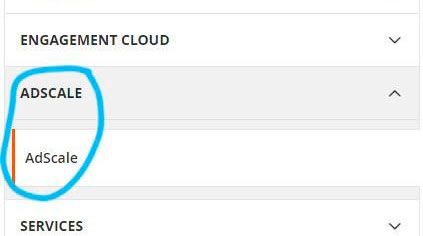
Go to Magento Admin > Stores > Configuration and Click on AdScale > Enable
Having troubles? Contact our support team
If it haven't, click here.
Extract the plugin file, and using your FTP tool Upload the folder to the Magento Directory.
Run the following commands in PHP:
Go to Magento Admin > Stores > Configuration and Click on AdScale > Enable
Having troubles? Contact our support team
If it haven't, click here.
Extract the plugin file, and using your FTP tool Upload the folder to the Magento Directory.
Run the following commands in PHP:
Go to Magento Admin > Stores > Configuration and Click on AdScale > Enable
Having troubles? Contact our support team
We sent you an email
Check your inbox for the installation instructions of AdScale for your WooCommerce Store
Your download will strat in a few seconds.
If it haven’t, click here.
How to install the AdScale Plugin:
On your OpenCart admin, go to Extensions > Installer
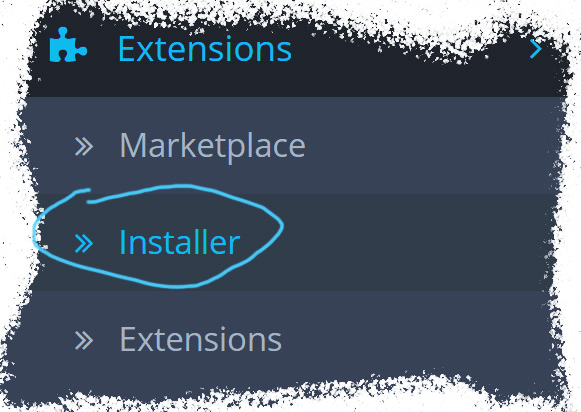
Upload the plugin file
Go to Extensions & pick Modules (under Extension Type)
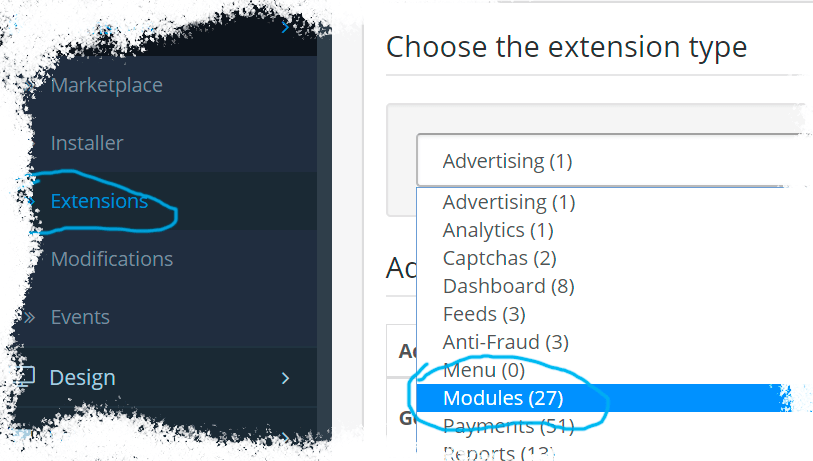
Next to AdScale,
click:  ,
,
and then 
We sent you an email
Check your inbox for the installation instructions of AdScale for your WooCommerce Store
We sent you an email
Check your inbox for the installation instructions of AdScale for your WooCommerce Store
 Shopify
  WooCommerce
  PrestaShop
  Magento
  BigCommerce
  Opencart
  Wix
Wix