





Here’s Everything You Should Know About Marketing Funnel Metrics
Enterprises, big or small, rely on sales to keep operations afloat. With...
views
78 articles about General.
Enterprises, big or small, rely on sales to keep operations afloat. With...

Apple iOS 14 has seen privacy changes. The corporation seeks to make...

The key to successful online trading is not only offering well-demanded products...

Competitor analysis is an essential part of any business's marketing because every...

Surely in some cases, you have heard or talked about the term...

Like most e-commerce stores, your advertising today probably relies on third-party data...

We know the latest limitations of Facebook pixel probably made you feel...

Having repeat customers is always a good thing for e-commerce stores. The...

Attracting new customers to your business costs around five times more than...
 See AdScale In Action
Select your ecommerce platform:

We sent you an email
Check your inbox for the installation instructions of AdScale for your WooCommerce Store
If it hasn’t, click here.
How to install the AdScale Plugin:
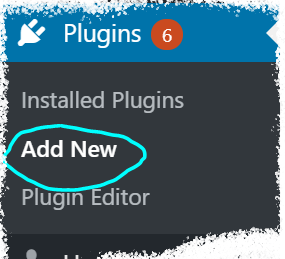
On your Woo store admin, go to
Plugins > Add New
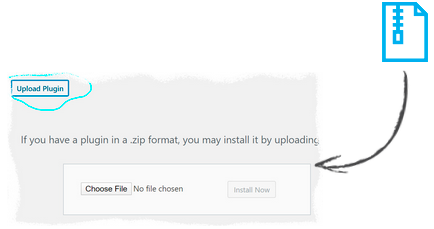
Upload the Plugin file and
click on Install Now
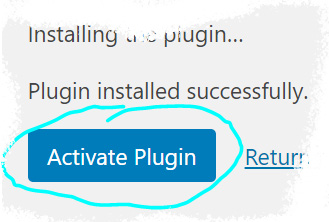
Click on Activate Plugin
We sent you an email
Check your inbox for the installation instructions of AdScale for your WooCommerce Store

If it haven’t, click here.
How to install the AdScale Plugin:
On your PretaShop admin, go to
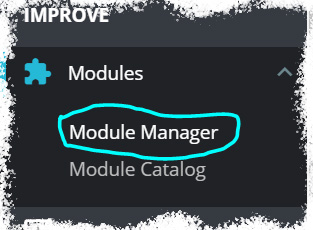
Modules > Module Manager > Upload Module
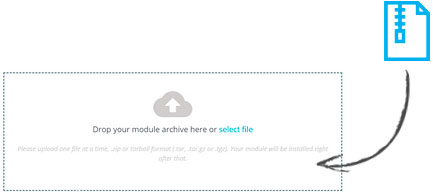
Upload the module file
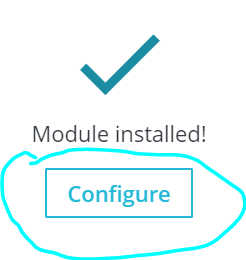
Click on Configure
We sent you an email
Check your inbox for the installation instructions of AdScale for your WooCommerce Store

We sent you an email
Check your inbox for the installation instructions of AdScale for your WooCommerce Store


If it haven't, click here.
How to install the AdScale Plugin on Magento 1.9
Extract the plugin file, and using your FTP tool Upload the folder to the Magento Directory.
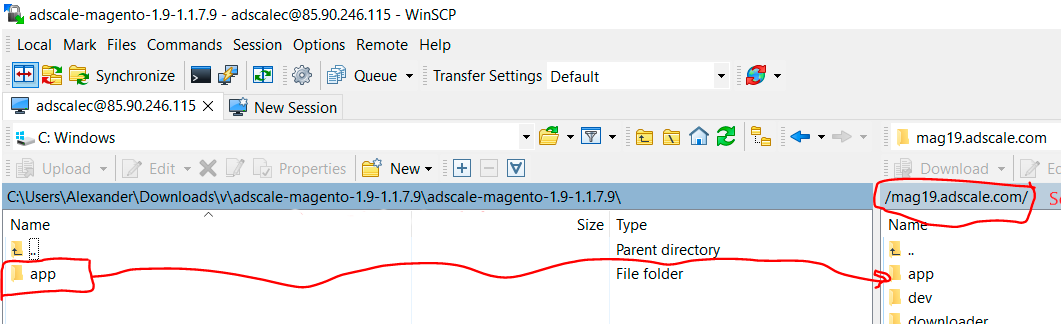
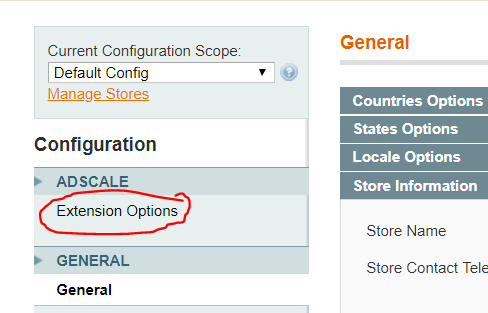
Go to Magento Admin Panel > System > Configuration
Under AdScale, click on Extension Options
Having troubles? Contact our support team
If it haven't, click here.
Extract the plugin file, and using your FTP tool Upload the folder to the Magento Directory.
Run the following commands in PHP:
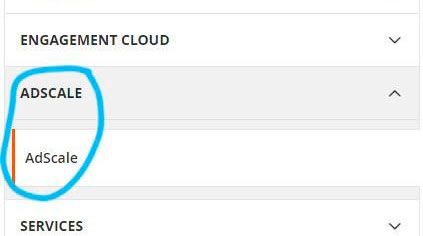
Go to Magento Admin > Stores > Configuration and Click on AdScale > Enable
Having troubles? Contact our support team
If it haven't, click here.
Extract the plugin file, and using your FTP tool Upload the folder to the Magento Directory.
Run the following commands in PHP:
Go to Magento Admin > Stores > Configuration and Click on AdScale > Enable
Having troubles? Contact our support team
If it haven't, click here.
Extract the plugin file, and using your FTP tool Upload the folder to the Magento Directory.
Run the following commands in PHP:
Go to Magento Admin > Stores > Configuration and Click on AdScale > Enable
Having troubles? Contact our support team
We sent you an email
Check your inbox for the installation instructions of AdScale for your WooCommerce Store
Your download will strat in a few seconds.
If it haven’t, click here.
How to install the AdScale Plugin:
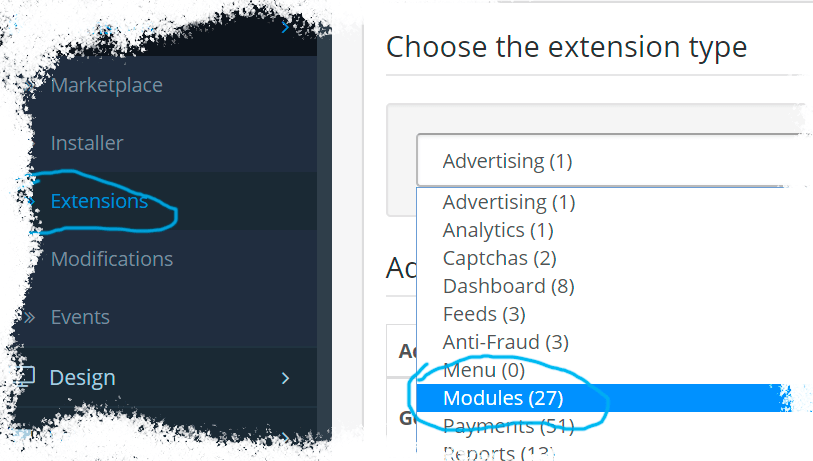
On your OpenCart admin, go to Extensions > Installer
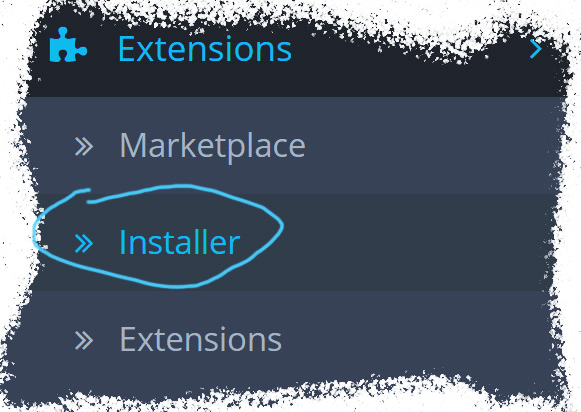
Upload the plugin file
Go to Extensions & pick Modules (under Extension Type)
Next to AdScale,
click:  ,
,
and then 
We sent you an email
Check your inbox for the installation instructions of AdScale for your WooCommerce Store
We sent you an email
Check your inbox for the installation instructions of AdScale for your WooCommerce Store
 Shopify
  WooCommerce
  PrestaShop
  Magento
  BigCommerce
  Opencart
  Wix
Wix