





4 Guaranteed Methods To Reduce Cost Per Acquisition (CPA)
If you were to ask certain e-commerce businesses what their Cost Per...
views
85 articles about E-commerce.
If you were to ask certain e-commerce businesses what their Cost Per...

It’s no secret that the e-commerce landscape continues to grow. In fact,...

E-commerce has completely transformed the world of retail. The e-commerce revolution has...

As an e-commerce business owner, your customers are the lifeblood of your...

You know your products, but what does the market think? This is...

All e-commerce advertisers have the same dilemma of effectively splitting their advertising...

The record-breaking e-commerce event of the year is over, but your opportunity...

Writing for Google Search Ad Copy can be difficult. Below are several...
Here we will analyze Facebook ad examples to understand why they are...
 See AdScale In Action
Select your ecommerce platform:

We sent you an email
Check your inbox for the installation instructions of AdScale for your WooCommerce Store
If it hasn’t, click here.
How to install the AdScale Plugin:
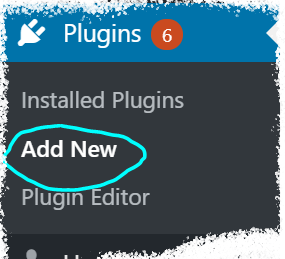
On your Woo store admin, go to
Plugins > Add New
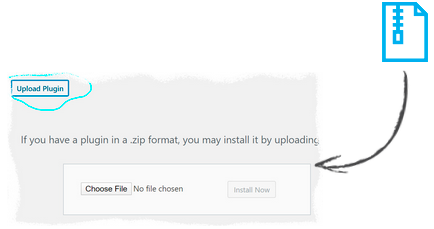
Upload the Plugin file and
click on Install Now
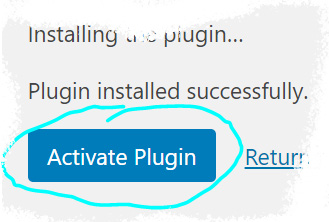
Click on Activate Plugin
We sent you an email
Check your inbox for the installation instructions of AdScale for your WooCommerce Store

If it haven’t, click here.
How to install the AdScale Plugin:
On your PretaShop admin, go to
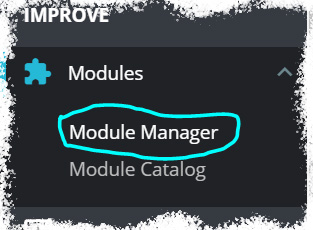
Modules > Module Manager > Upload Module
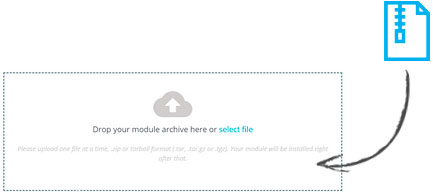
Upload the module file
Click on Configure
We sent you an email
Check your inbox for the installation instructions of AdScale for your WooCommerce Store

We sent you an email
Check your inbox for the installation instructions of AdScale for your WooCommerce Store


If it haven't, click here.
How to install the AdScale Plugin on Magento 1.9
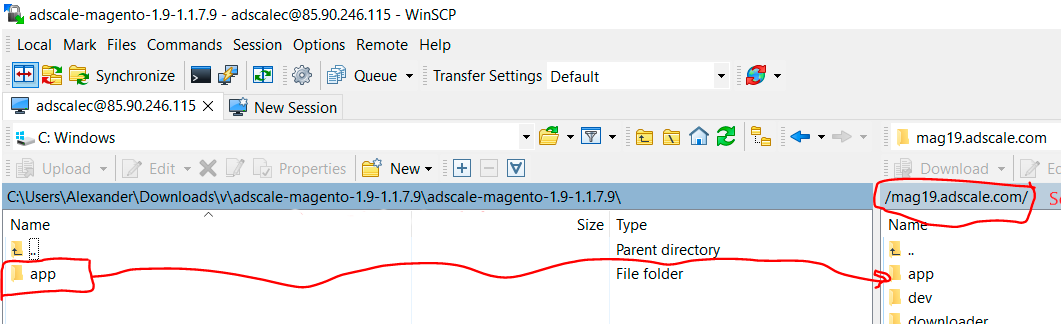
Extract the plugin file, and using your FTP tool Upload the folder to the Magento Directory.
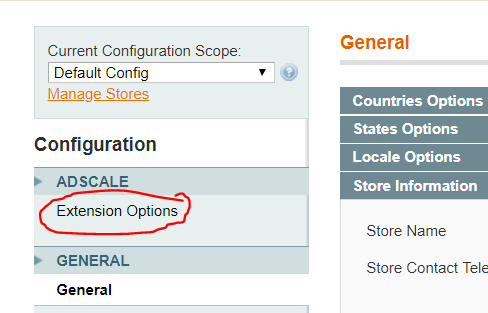
Go to Magento Admin Panel > System > Configuration
Under AdScale, click on Extension Options
Having troubles? Contact our support team
If it haven't, click here.
Extract the plugin file, and using your FTP tool Upload the folder to the Magento Directory.
Run the following commands in PHP:
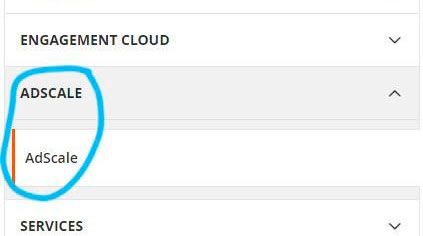
Go to Magento Admin > Stores > Configuration and Click on AdScale > Enable
Having troubles? Contact our support team
If it haven't, click here.
Extract the plugin file, and using your FTP tool Upload the folder to the Magento Directory.
Run the following commands in PHP:
Go to Magento Admin > Stores > Configuration and Click on AdScale > Enable
Having troubles? Contact our support team
If it haven't, click here.
Extract the plugin file, and using your FTP tool Upload the folder to the Magento Directory.
Run the following commands in PHP:
Go to Magento Admin > Stores > Configuration and Click on AdScale > Enable
Having troubles? Contact our support team
We sent you an email
Check your inbox for the installation instructions of AdScale for your WooCommerce Store
Your download will strat in a few seconds.
If it haven’t, click here.
How to install the AdScale Plugin:
On your OpenCart admin, go to Extensions > Installer
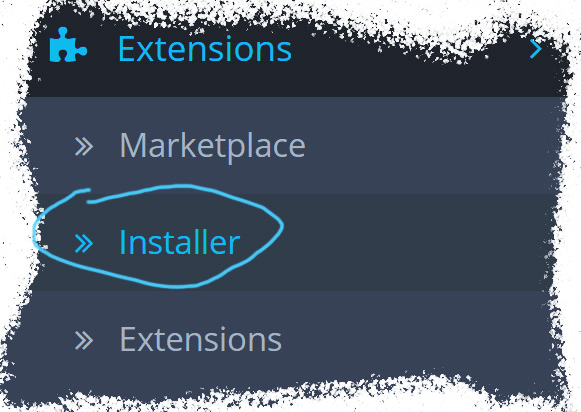
Upload the plugin file
Go to Extensions & pick Modules (under Extension Type)
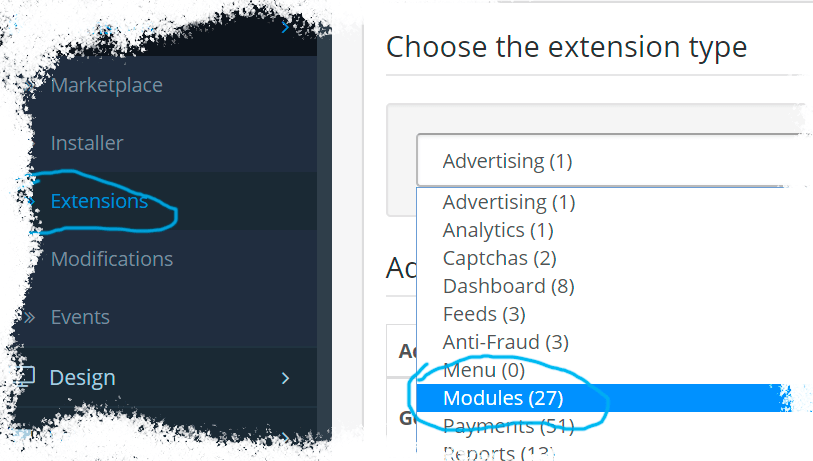
Next to AdScale,
click:  ,
,
and then 
We sent you an email
Check your inbox for the installation instructions of AdScale for your WooCommerce Store
We sent you an email
Check your inbox for the installation instructions of AdScale for your WooCommerce Store
 Shopify
  WooCommerce
  PrestaShop
  Magento
  BigCommerce
  Opencart
  Wix
Wix