





How to Scale Ad Creative with AI for eCommerce
Updated: September 2026 Turn product images into distinct ad concepts, refine them...
views
17 articles about AI Advertising.
Updated: September 2026 Turn product images into distinct ad concepts, refine them...
You're paying your monthly retainer. Your Facebook and Google ads are running....

AI budget optimization in eCommerce advertising is the process of automatically adjusting...

AI advertising platforms help eCommerce brands automate media buying, optimize budgets, test...

How AdScale Works AdScale automates advertising for Shopify brands by combining data...

Google and Meta Automation for eCommerce Isn’t Optional Anymore - It’s the...

Think California tops the charts for online shopping spend? Not quite. When...

In the fast-paced world of digital advertising, Return on Ad Spend (ROAS)...
 See AdScale In Action
Select your ecommerce platform:

We sent you an email
Check your inbox for the installation instructions of AdScale for your WooCommerce Store
If it hasn’t, click here.
How to install the AdScale Plugin:
On your Woo store admin, go to
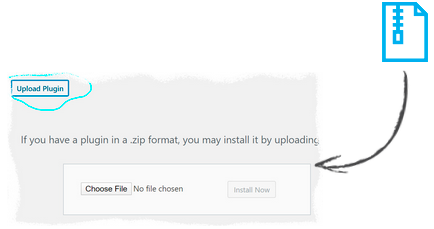
Plugins > Add New
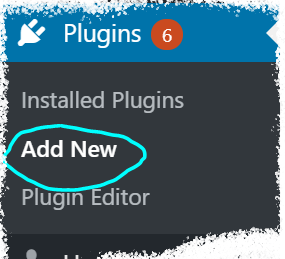
Upload the Plugin file and
click on Install Now
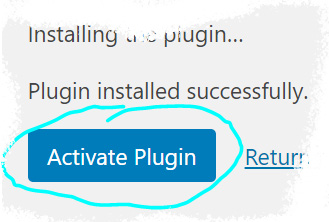
Click on Activate Plugin
We sent you an email
Check your inbox for the installation instructions of AdScale for your WooCommerce Store

If it haven’t, click here.
How to install the AdScale Plugin:
On your PretaShop admin, go to
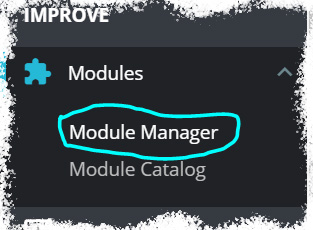
Modules > Module Manager > Upload Module
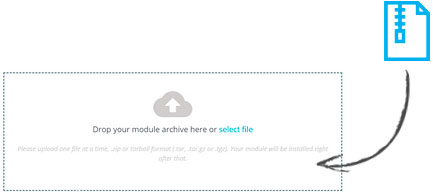
Upload the module file
Click on Configure
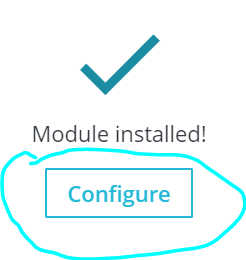
We sent you an email
Check your inbox for the installation instructions of AdScale for your WooCommerce Store

We sent you an email
Check your inbox for the installation instructions of AdScale for your WooCommerce Store


If it haven't, click here.
How to install the AdScale Plugin on Magento 1.9
Extract the plugin file, and using your FTP tool Upload the folder to the Magento Directory.
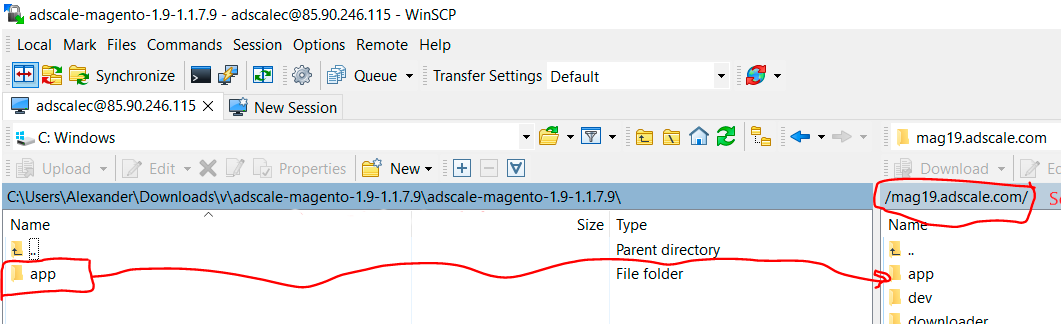
Go to Magento Admin Panel > System > Configuration
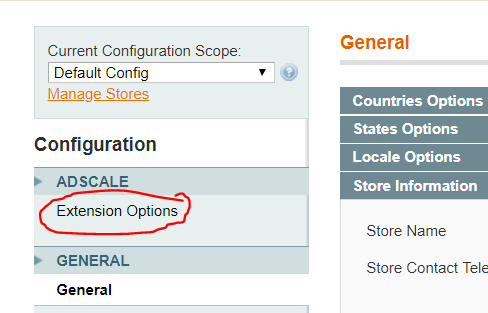
Under AdScale, click on Extension Options
Having troubles? Contact our support team
If it haven't, click here.
Extract the plugin file, and using your FTP tool Upload the folder to the Magento Directory.
Run the following commands in PHP:
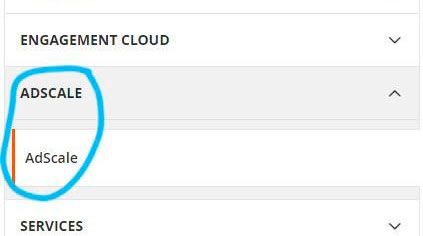
Go to Magento Admin > Stores > Configuration and Click on AdScale > Enable
Having troubles? Contact our support team
If it haven't, click here.
Extract the plugin file, and using your FTP tool Upload the folder to the Magento Directory.
Run the following commands in PHP:
Go to Magento Admin > Stores > Configuration and Click on AdScale > Enable
Having troubles? Contact our support team
If it haven't, click here.
Extract the plugin file, and using your FTP tool Upload the folder to the Magento Directory.
Run the following commands in PHP:
Go to Magento Admin > Stores > Configuration and Click on AdScale > Enable
Having troubles? Contact our support team
We sent you an email
Check your inbox for the installation instructions of AdScale for your WooCommerce Store
Your download will strat in a few seconds.
If it haven’t, click here.
How to install the AdScale Plugin:
On your OpenCart admin, go to Extensions > Installer
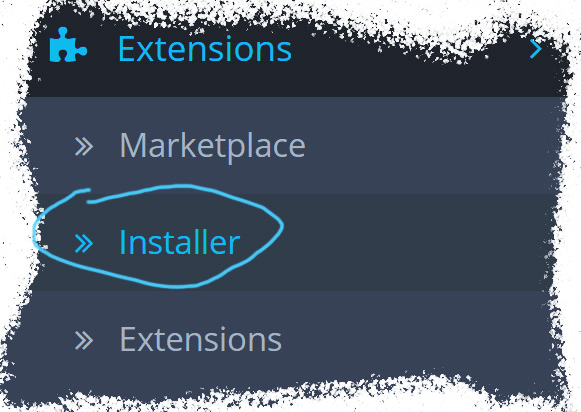
Upload the plugin file
Go to Extensions & pick Modules (under Extension Type)
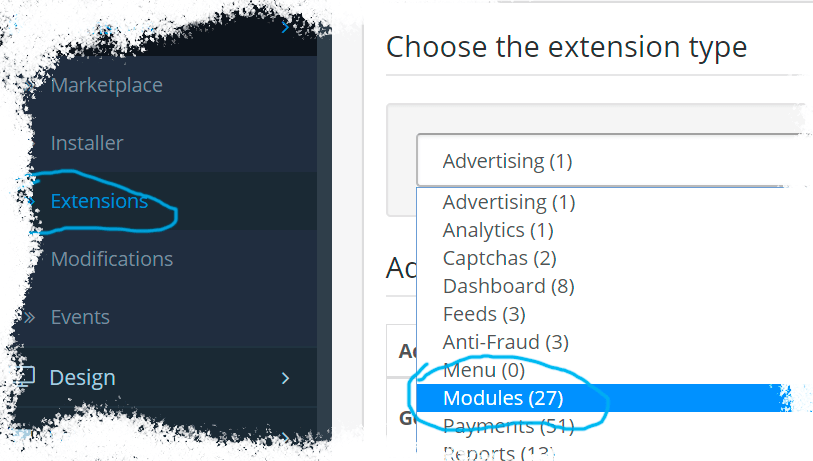
Next to AdScale,
click:  ,
,
and then 
We sent you an email
Check your inbox for the installation instructions of AdScale for your WooCommerce Store
We sent you an email
Check your inbox for the installation instructions of AdScale for your WooCommerce Store
 Shopify
  WooCommerce
  PrestaShop
  Magento
  BigCommerce
  Opencart
  Wix
Wix